OpenHarvey (Open Harvey) is an open-source AI contract review and tender workspace with personal memory, DOCX review, comments, citations and self-hosting.
Upon receipt of a valid invoice and acceptance of services, the customer shall pay the corresponding fees within ninety days.
↗ Agreement · Page 3 · Payment term
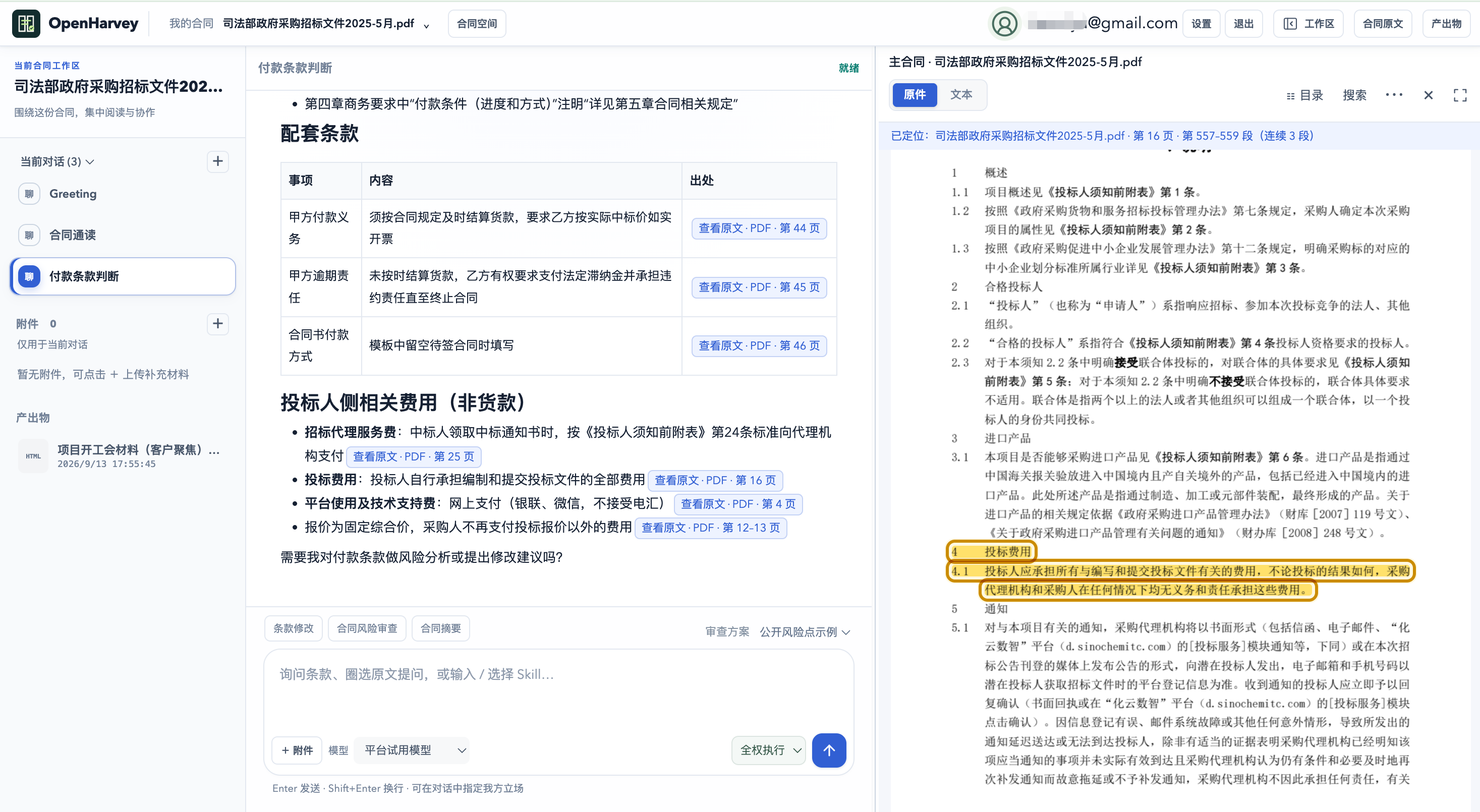
Review payment terms against my playbook and create a risk dashboard.
✓ Read source → Apply playbook → Save output
Payment term needs negotiation
The agreement specifies 90 days; the example baseline is 30. Consider negotiating a shorter term and clear acceptance conditions.
↗ View source · Page 3
▤ Payment risk dashboard.html↗
Workflow illustration, not an actual review result. Open the sample workspace to read, ask questions and create deliverables.
NEW / MEMORY + DOCUMENT REVIEW
Your preferences, remembered. Your revisions, in context.
Spend less time repeating preferences. Review changes and comments alongside the contract.
MEMORY · LABS
Personal memory you control
Opt in to let the agent remember long-term working preferences. Add, edit or delete them yourself, or turn memory off. Later tasks use saved preferences; your current instructions take priority.
“Remember: lead with the conclusion, then cite the evidence. Keep it concise.”
For working and communication preferences. Contract facts and review evidence stay in the current materials. Disabling or deleting memory does not rewrite past conversations.
Select a clause and instruct the agent to edit it. Explicit edits are saved as pending tracked changes. Navigate between changes, comments and their text; accept or reject changes and reply to or resolve comments separately.
“Change the selected payment term to 60 days. Keep the rest unchanged.”
Linked document outline · Autosave · Named milestones · Version restore · Revised and clean DOCX downloads
Registered accounts can turn single-user DOCX review on or off in Settings → Labs. Turning it off keeps saved changes, comments and versions. The uploaded original is retained; resolve all pending changes before clean export. PDFs support reading, analysis and suggestions, not native Word redlining. Complex layout compatibility is still being evaluated.
Contracts and tenders have clauses, pages, versions and business standards. OpenHarvey connects these relationships across reading, analysis, revision and delivery.
01 / DOCUMENT
One contract. One workspace.
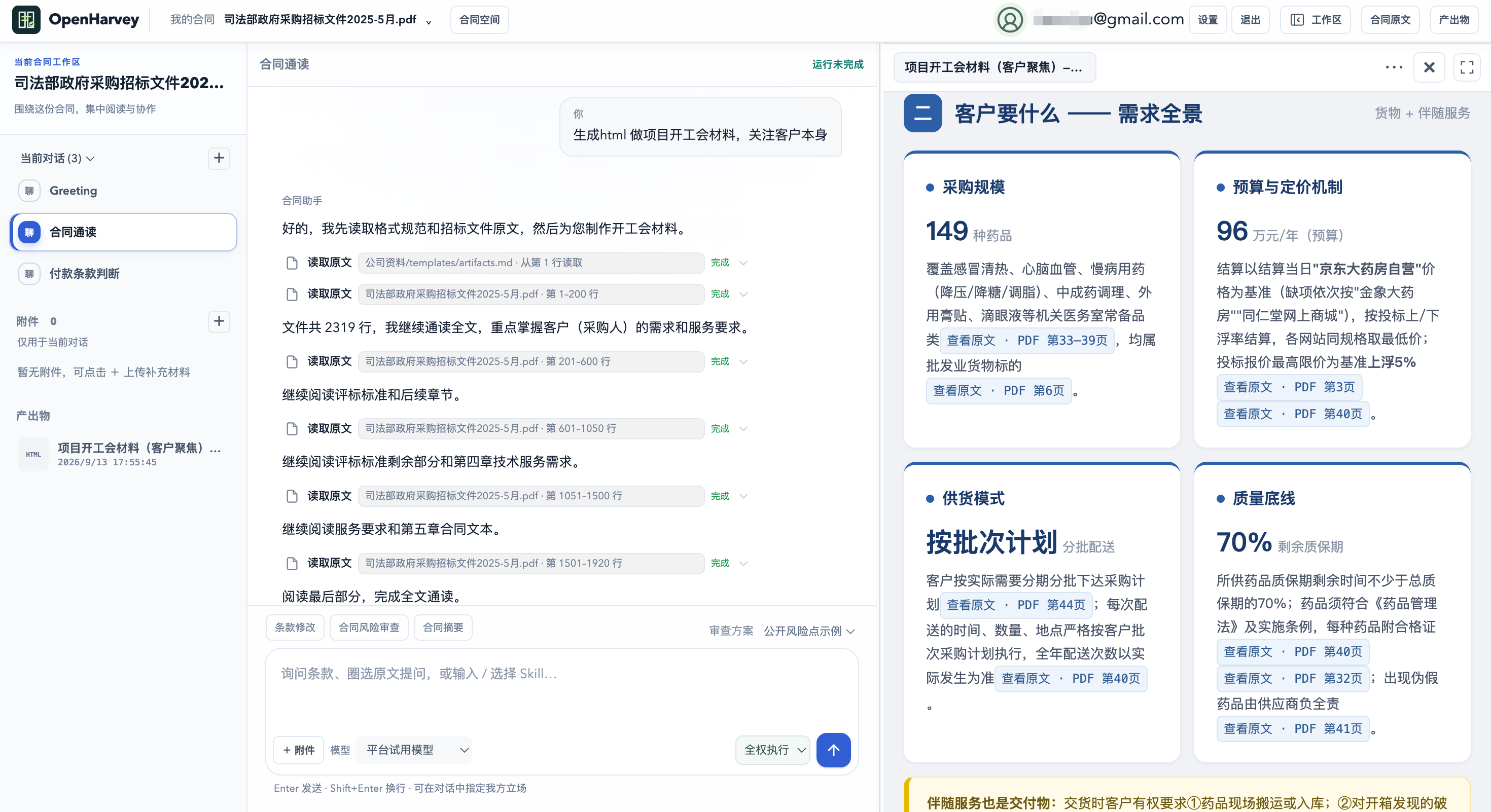
Keep the primary agreement, tender documents, attachments, conversations and deliverables together. Read, ask, review and revise with the relevant document context.
02 / EVIDENCE
From a finding to its source.
Follow valid citations to the source page or paragraph, with continuous text highlighting. Distinguish the primary document from attachments and check the evidence behind a finding.
03 / WORKSPACE
Read source and output side by side.
Use a connected document reader, agent conversation and deliverable preview. Ask about selected clauses, verify report evidence and compare suggested revisions.
04 / ARTIFACTS
Deliverables shaped by the task.
Create summaries, risk reports, clause comparisons, HTML dashboards and structured data. Preview or download saved files in supported formats.
05 / PLAYBOOKS
Your methods. Your standards.
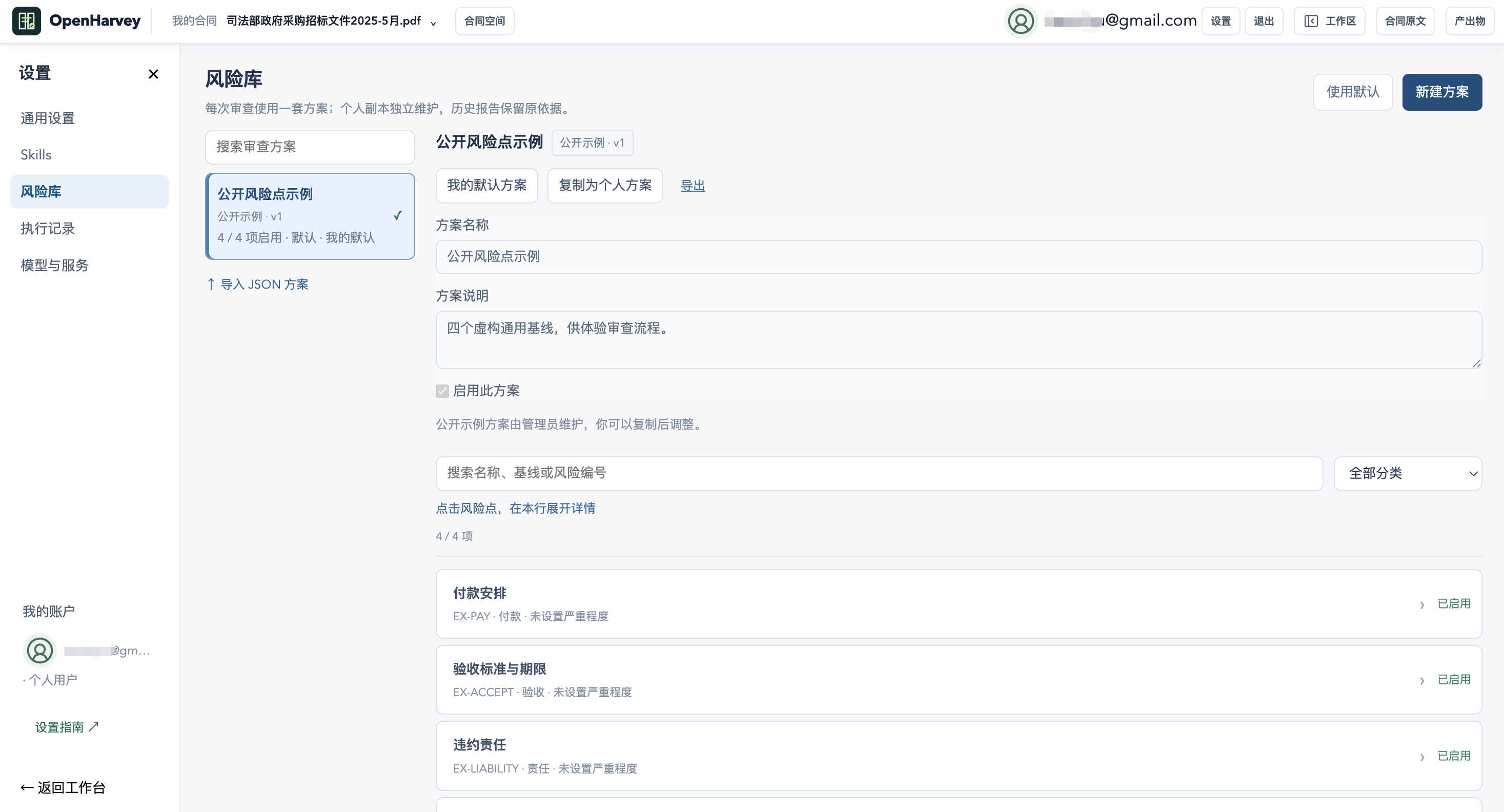
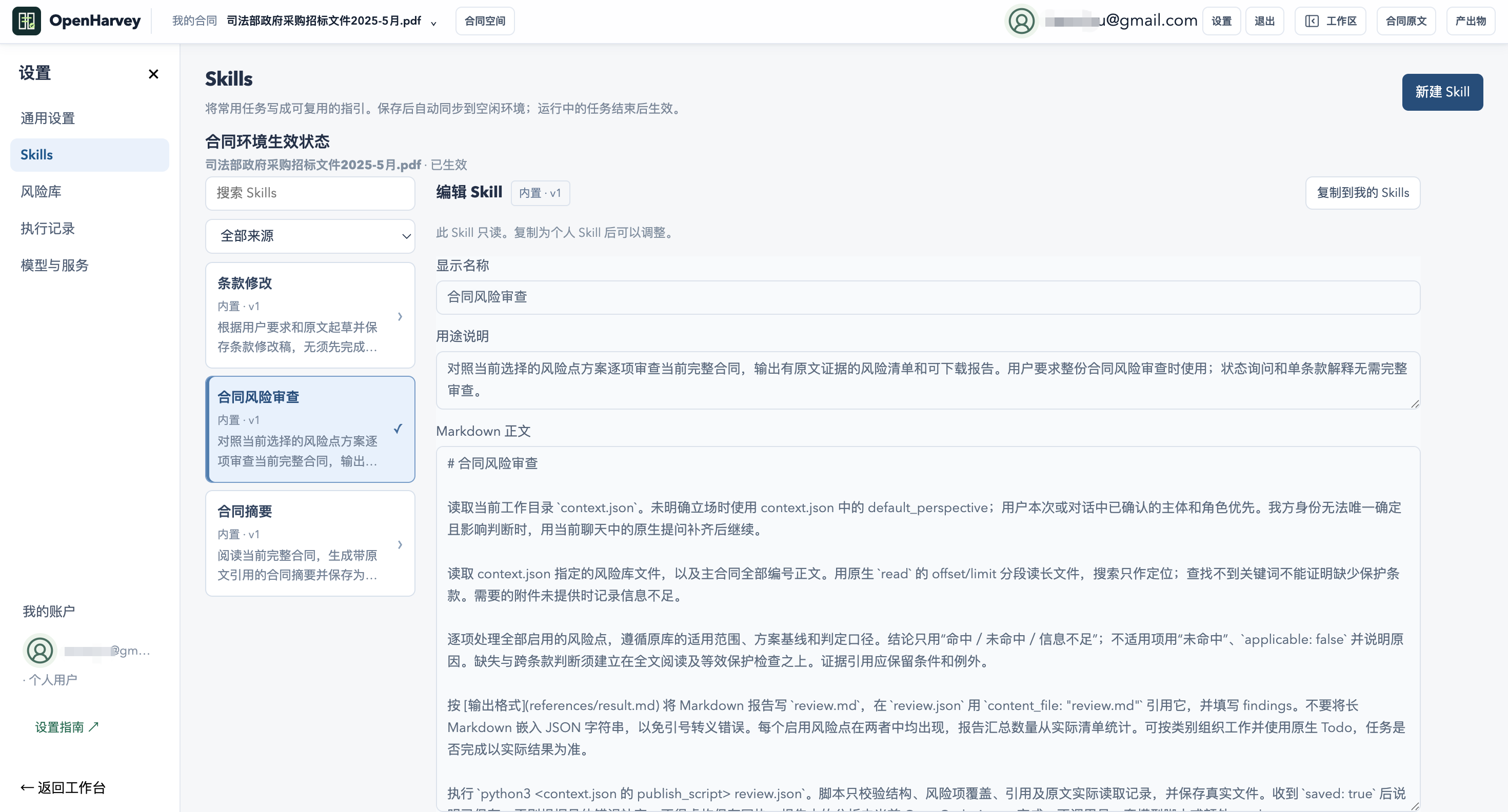
Skills define methods, references and delivery requirements. Risk playbooks define checks and baselines, with configuration versions retained for execution.
06 / AGENT
An agent that carries work through.
Built on native OpenCode agents to read documents, use tools and save results. Choose models, extend Skills and inspect tool execution and file receipts.
A PURPOSE-BUILT WORKFLOW
Choose a workspace around the work you do.
If you are comparing general office agents, try these concrete workflows in OpenHarvey. These describe our design, without assuming other tools lack the same capabilities.
Your task
The OpenHarvey workflow
Review a long agreement and attachments
Organize the primary source, attachments and multiple conversations in a contract workspace.
Verify a specific finding
Follow a valid citation from the answer or report to highlighted source text.
Apply your business standards
Select Skills, risk playbooks and your party perspective for the task.
Turn analysis into deliverables
Save a summary, revision comparison, HTML report or structured data; preview it alongside the source.
SANDBOX / PRIVACY / CONTROL
Room for agents to work. Clear boundaries around execution.
Cloud mode runs OpenCode in E2B sandboxes, alongside account permissions, document scopes and persistent storage.
01
Isolated execution
Agent tools and code run in cloud sandboxes. The application checks ownership of workspaces, conversations and files.
02
Control documents and credentials
Sandboxes receive accessible task materials and rules. Platform model keys stay server-side behind restricted trial credentials. Personal model credentials follow the selected configuration.
03
Persist results, manage lifecycle
Saved deliverables persist on the server. Sandbox recovery uses checkpoints. Expired trials are revoked and cleaned up according to system rules.
Data path: browser → application and storage → E2B sandbox → selected model service. Sandboxing does not mean offline processing, zero data transfer or compliance certification. Self-hosting the web application does not automatically replace E2B or remote models. Read the data boundaries ↗
POWERED BY OPENCODE
A flexible agent runtime. A workspace built for contracts.
OpenCode provides native tools, Skills, sessions and execution permissions. OpenHarvey adds document organization, source navigation, review configuration and deliverables.
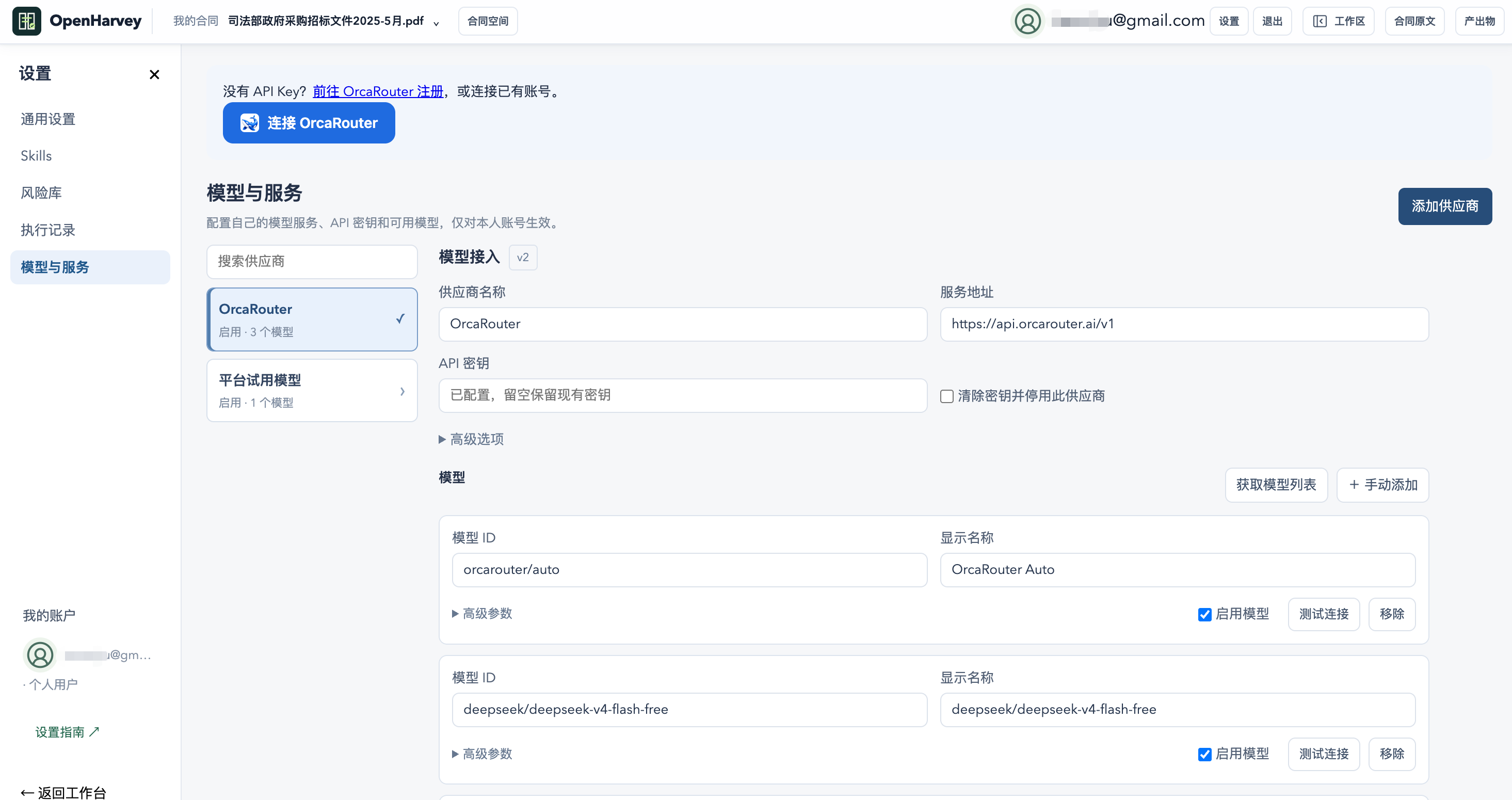
Models & storagePersonal model settings · Persistent results
QUESTIONS, ANSWERED
Before you begin.
What is OpenHarvey?
OpenHarvey (Open Harvey) is an open-source AI contract review and tender workspace with personal memory, DOCX review, comments, citations and self-hosting.
Which documents and outputs are supported?
Inputs include DOCX, text PDFs, Markdown and TXT. Scanned PDFs require OCR first. Outputs include summaries, risk reports, revision comparisons and custom files in supported formats; previews depend on the format.
Can English-speaking users use it?
The website and workspace interface support Chinese and English. Sample documents, existing answers and reports retain their original language. Agent language policies and English-task quality require separate validation.
Does sandboxing guarantee complete privacy?
No. Sandboxes isolate execution; documents may still be processed by the application server, E2B and the selected model provider. Choose a deployment and providers appropriate to your data.
Is OpenHarvey affiliated with Harvey?
OpenHarvey is independent and is not affiliated with, endorsed by or sponsored by Harvey. It focuses on contract and tender workflows and does not claim feature parity.
Start with your next contract.
Explore an example, then bring your documents and playbook.
Connect Feishu / Lark documents, wikis and Base to contract and tender tasks. Authorize through the official website to read sources, save results and carry out requested actions within your permissions.
01 / POLICY
Review with business context
Find channel sales policies and compare payment terms, authorization scope and rebates with the contract’s direct or channel sales context. Cite the policy sources.
02 / TENDER
Bring company knowledge into tender preparation
Compare tender requirements with accessible product and delivery materials. Prepare response points, gaps and questions, then save a shared document when requested.
03 / FOLLOW-UP
Connect reports, registers and follow-up
Save a risk report with its actual link. Read Base fields before updating the specified record. When explicitly asked to notify someone, find the contact and send a message as you.
Each workspace account authorizes separately, and contract spaces use their own E2B sandboxes. App permissions and organization approval still apply; messaging and contact search need additional consent. Feishu document and Base workflows have been exercised end to end; Lark international and messaging await live-account acceptance.
 OpenHarvey
 GitHub · OpenHarvey